
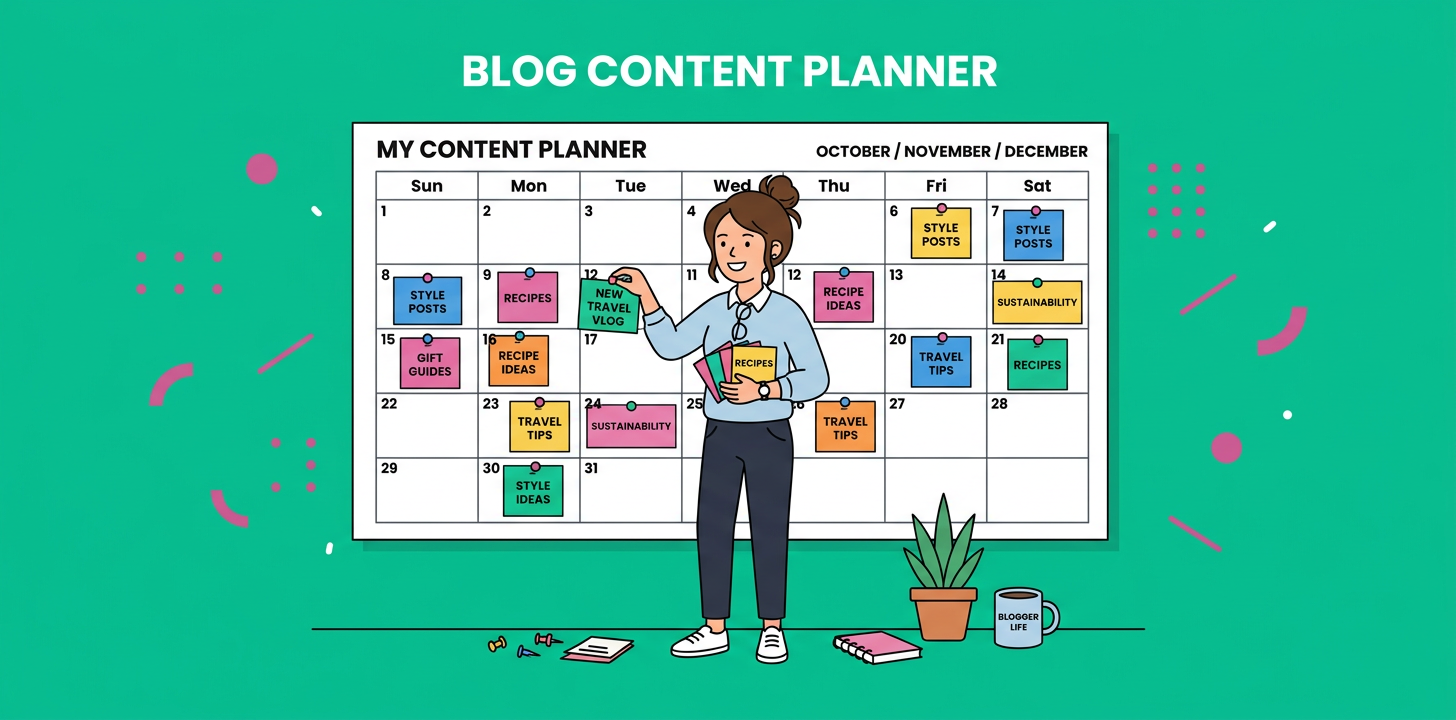
What is a content calendar template for solo bloggers? It’s a simple planning system that tells you what to publish, when to publish it, which keyword or audience question each post targets, and what promotional task comes next. For a solo blogger, the best template is lightweight enough to use every week, but detailed enough to protect you from last-minute topic panic.
If you’re early in your blogging journey, especially around day 10 of building your content habit, consistency matters more than complexity. You don’t need a giant editorial operation. You need a repeatable plan that helps you pick smarter topics, batch your work, publish on time, and slowly build topical authority.
A CoSchedule report found that organized marketers are 674% more likely to report success than disorganized marketers. That’s the real reason a calendar works. It’s not magic, it simply makes the next right action obvious.
Content Calendar Template For Solo Bloggers At A Glance
| Calendar Area | What To Track | Why It Matters | Solo Blogger Tip |
|---|---|---|---|
| Topic | Working blog idea | Prevents blank-page days | Keep 20 ideas ready |
| Keyword | Main phrase | Aligns posts with demand | Pick one primary term |
| Intent | Reader goal | Keeps posts useful | Answer one clear question |
| Status | Draft, edit, publish | Shows progress fast | Use 5 simple stages |
| Promotion | Email, social, update | Extends post life | Plan this before launch |
Why Solo Bloggers Need A Calendar Before They Need More Ideas
Most solo bloggers don’t fail because they lack ideas. They fail because ideas stay scattered across notes, browser tabs, voice memos, and half-written drafts. A calendar pulls those loose pieces into one weekly rhythm.
Here’s the thing, blogging alone means you’re the strategist, writer, editor, publisher, and promoter. Without a visible plan, every post feels like a fresh decision. That creates friction, and friction quietly kills consistency.
A calendar also helps you avoid random publishing. Instead of writing whatever feels urgent, you can group posts into clusters. One cluster might cover beginner WordPress blogging. Another might cover blog monetization. Another might support a product, service, or newsletter offer.
The Best Content Calendar Template For Solo Bloggers
A strong content calendar template for solo bloggers should include only the fields you’ll actually use. If your template takes longer to maintain than your blog, it’s too heavy.
Core Fields To Include
Start with these columns:
- Publish date
- Blog post title
- Primary keyword
- Reader intent
- Content format
- Funnel stage
- Draft status
- Internal link target
- CTA
- Promotion channel
- Update date
That’s enough to plan, write, optimize, and promote without building a monster spreadsheet. You can always add more fields later, but early-stage bloggers should stay lean.
Simple Status Labels
Use five status labels only:
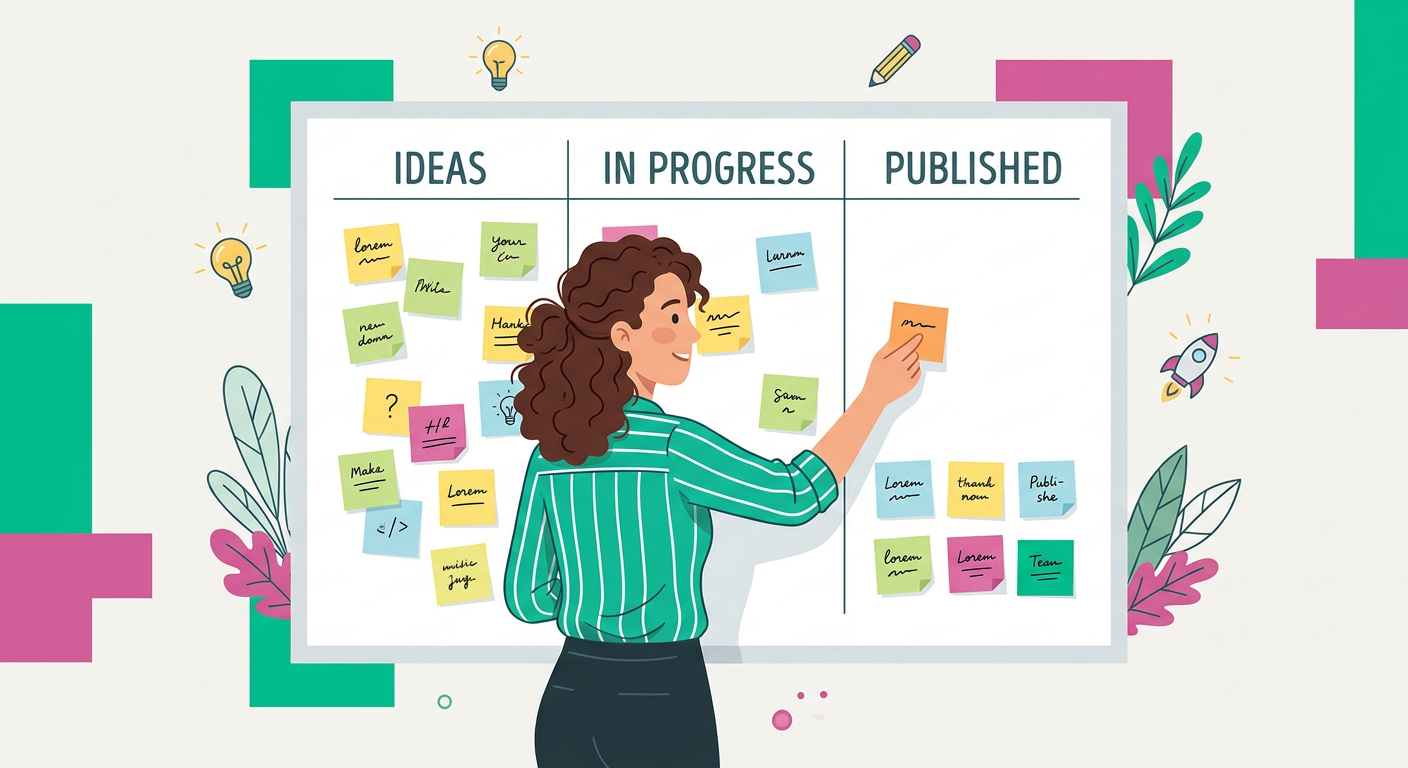
- Idea
- Outline
- Draft
- Edit
- Published
These labels are boring on purpose. They remove ambiguity. If a post is stuck, you’ll instantly know whether the problem is topic selection, outlining, writing, editing, or publishing.
Weekly Publishing Rhythm
For most solo bloggers, one high-quality post per week is a strong starting point. If you have extra time, add one content refresh or one supporting post every other week. Don’t build a calendar around your most productive day. Build it around your average week.
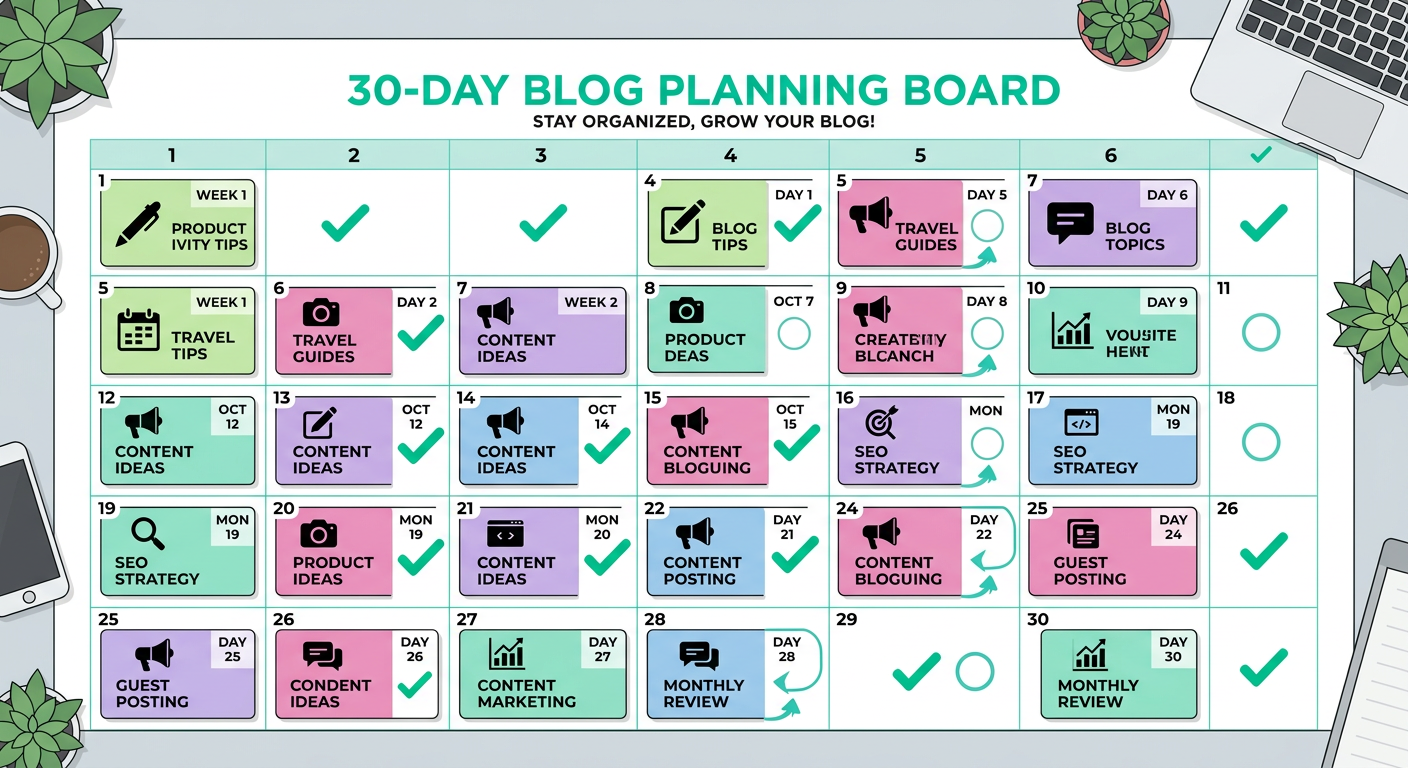
A 30-Day Blog Calendar Template You Can Copy
Use this simple 30-day setup if you’re in the early stage and want momentum without burnout.
Week 1: Build The Base
Day 1 is for choosing your main topic cluster. Pick one area your ideal reader cares about deeply. For example, a WordPress blogger might choose “beginner blog growth” as the cluster.
Day 2 is for listing 20 reader questions. Use sales calls, customer emails, comments, community threads, and competitor article gaps. Day 3 is for choosing four post ideas from that list.
Day 4 is for assigning one keyword to each idea. Day 5 is for writing outlines. Day 6 is for drafting your first post. Day 7 is for editing and scheduling.
Week 2: Publish And Link
Publish post one early in the week, then spend the next few days improving its visibility. Add links from older relevant pages if you have them. If your blog is brand new, create a note to link back once your next related post goes live.
Use the rest of the week to draft post two. Keep the topic tightly connected to post one. This is how solo bloggers build authority without needing dozens of unrelated articles.
Week 3: Add Support Content
Your third week should create depth. If post one was a beginner guide, post three might be a checklist, glossary article, or common mistakes post. Supporting content helps Google and AI answer tools understand what your site is about.
This is also where you add a simple lead magnet or CTA. Even a basic newsletter signup can work if it matches the post topic.
Week 4: Review, Refresh, And Repeat
Week four is not just for publishing. It’s for improving the system. Look at which posts were easiest to write, which topics had the clearest reader problem, and which outlines felt forced.
Then plan the next 30 days using what you learned. Your calendar should get smarter every month.
What To Put In Each Calendar Entry
Every calendar entry should answer five questions before you write a word.
Who Is This Post For?
Be specific. “Small business owners” is too broad. “A solo WordPress blogger with no weekly writing habit” is much better.
When the reader is clear, the article becomes easier to write. You know what to explain, what to skip, and what examples will land.
What Question Does It Answer?
A good blog post usually answers one main question. That question might be “how do I plan a month of blog posts?” or “what should I publish first on a new blog?”
If you can’t state the question, the article will drift. Put the question directly in your calendar so the draft stays focused.
What Stage Is The Reader In?
Not every post should sell. Some posts educate beginners. Others compare options. Others help readers make a buying decision.
Add a simple funnel stage to each entry:
- Awareness
- Consideration
- Decision
- Retention
This helps you balance your blog. A solo blogger who only writes beginner posts may get traffic but few leads. A blogger who only writes sales posts may struggle to earn trust.
What Internal Link Should It Include?
Internal links help readers move through your site. They also help organize your topic clusters. If you use WordPress, tools like the ContentBeast WordPress automation plugin can help with publishing schedules, links, images, and article structure.
If you’re doing it manually, add one “link to” and one “link from” field. That tiny habit makes your blog feel connected instead of scattered.
What Action Should Readers Take?
Every post needs a next step. That doesn’t always mean “buy now.” It might be joining your email list, reading a related guide, downloading a checklist, or viewing your service page.
Put the CTA in the calendar before drafting. It keeps your article aligned with your business goal.
Tool Options For Managing Your Blog Calendar
You can manage your calendar in almost any tool. The best option depends on how much structure you want and whether you prefer manual planning or automation.
| Tool | Entry Cost | Best Fit | Tradeoff |
|---|---|---|---|
| Google Sheets | Free | Simple planning | Manual updates |
| Trello | Free, Standard from $5/user/month billed yearly | Visual boards | Limited depth |
| Notion | Free plan available | Flexible docs and databases | Can get overbuilt |
| CoSchedule | Free calendar, paid from $19/user/month billed yearly | Social plus content planning | More than many solo blogs need |
| ContentBeast | From $39/month | Automated blog planning and publishing | Best when you want hands-off output |
For day 10 of an early-stage blog, Google Sheets or Trello is usually enough. Once publishing becomes consistent and you want to scale output, automation becomes more attractive. You can compare platform options on the ContentBeast integrations page and review plans on the ContentBeast pricing page.
How To Plan Topics Without Overthinking
The biggest mistake solo bloggers make is trying to plan like a media company. You don’t need 12 campaigns, 9 personas, and 47 tags. You need a clear topic lane.
Use The 4-Bucket Method
Create four topic buckets:
- Beginner questions
- How-to tutorials
- Mistakes and fixes
- Comparisons and tools
Then add five ideas to each bucket. That gives you 20 possible posts without needing a complicated idea system.
Build Clusters, Not Random Posts
A cluster is a group of related posts around one main theme. For example, if your theme is “solo blogging workflow,” your cluster might include:
- How to plan a month of blog posts
- Blog outline template for beginners
- How often should a solo blogger publish?
- Blog promotion checklist after publishing
- How to update old blog posts
This creates depth. It also makes internal linking easier because every post naturally connects to another.
Protect Your Energy
Orbit Media blogger data has shown that small bloggers spend an average of 2 hours and 30 minutes writing articles, but only 38 minutes promoting them, according to Orbit Media. That gap matters because publishing is only part of the job.
Your calendar should reserve time for promotion, updates, and measurement. Otherwise, you’ll keep writing more while underusing what you already created.
A Weekly Workflow For Solo Bloggers
A content calendar works best when paired with a repeatable weekly routine.
Monday: Choose And Outline
Pick one post from your calendar and write the outline. Define the reader, intent, headline, sections, internal links, and CTA.
Keep this session short. Your goal is not perfection, it’s direction.
Tuesday And Wednesday: Draft
Write the messy version first. Don’t edit while drafting. Solo bloggers lose hours trying to polish sentences before the article has a clear shape.
If you get stuck, write the FAQ section first. Questions are often easier than opening paragraphs.
Thursday: Edit And Optimize
Improve the intro, add examples, check headings, tighten the CTA, and make sure the post answers the main question quickly. Add links and image notes.
This is also the day to create a meta title and description. Small details add up.
Friday: Publish And Promote
Publish the post, then share it through your best channel. That might be email, LinkedIn, Pinterest, a community, or a short video.
Add a note in your calendar for when to revisit the article. A 60-day update reminder is a smart default.
Common Calendar Mistakes To Avoid
A calendar should reduce pressure, not create more of it.
Planning Too Far Ahead
Planning six months ahead sounds productive, but it can lock you into weak ideas. For solo bloggers, 30 to 45 days is usually the sweet spot.
You’ll stay focused while leaving room for new insights, product updates, and reader feedback.
Tracking Too Many Fields
If your calendar has 30 columns, you probably won’t use it. Start with the basics and add fields only when they solve a real problem.
The best template is the one you’ll open every week.
Ignoring Updates
New bloggers often think content planning means only new posts. But updates can be easier wins. Add refresh slots to your calendar once you have 10 to 15 published articles.
Update titles, examples, internal links, FAQs, and CTAs. Your old content should keep working for you.
Make Your Blog Calendar Easier To Keep Up With
If you’re tired of planning topics, writing drafts, formatting posts, and remembering links, ContentBeast can help automate the heavy lifting. It plans blog topics, writes human-sounding articles, adds images and links, and publishes to platforms like WordPress, Ghost, Medium, Shopify, and more.
That means you can keep the strategic direction while reducing the weekly grind. For solo bloggers and small teams, that’s often the difference between “I should blog more” and actually publishing consistently.
FAQ
What Is A Content Calendar Template For Solo Bloggers?
A content calendar template for solo bloggers is a planning document that maps your blog topics, keywords, publish dates, draft status, links, and promotion tasks. It helps you stay consistent without deciding everything from scratch each week.
How Far Ahead Should A Solo Blogger Plan Content?
Plan 30 to 45 days ahead. That gives you enough structure to stay consistent while keeping flexibility for new ideas, product changes, and audience feedback.
What Should Be In A Blog Content Calendar?
Include publish date, title, keyword, reader intent, status, funnel stage, internal link target, CTA, promotion channel, and update date. Keep it simple at first, then add fields as your workflow matures.
How Often Should A Solo Blogger Publish?
One strong post per week is a realistic starting cadence for most solo bloggers. If you can publish more without lowering quality or burning out, add supporting posts or content updates.
Is Google Sheets Good Enough For A Blog Calendar?
Yes. Google Sheets is often the best first option because it’s free, simple, and easy to customize. You can move to Trello, Notion, CoSchedule, or automation later.
How Do I Choose Topics For My Calendar?
Start with reader questions, then group them into topic clusters. Prioritize questions with clear intent, business relevance, and enough depth to support related follow-up posts.
Should My Calendar Include Promotion Tasks?
Yes. A blog calendar should include promotion because publishing alone is rarely enough. Add email, social, community sharing, link updates, and refresh reminders directly into the template.
Conclusion
A calendar won’t write the post for you, but it will remove the chaos around writing. For solo bloggers, that’s a huge win.
Start with a simple 30-day plan, choose one clear topic cluster, publish at a pace you can sustain, and review what worked at the end of the month. The best content system isn’t the fanciest one. It’s the one you’ll actually use next week.
