
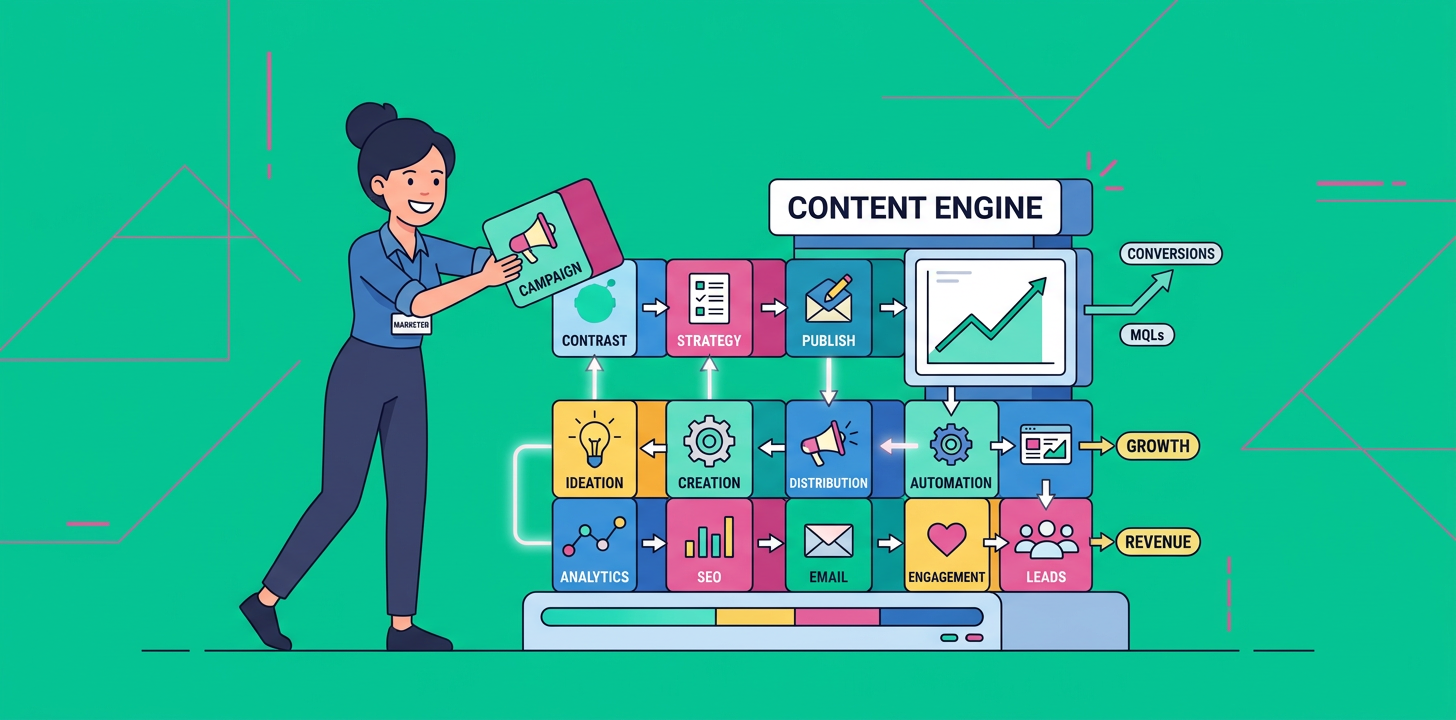
The answer is yes, you can create an automated SEO content workflow for SaaS that saves time, lowers costs, and still brings in real traffic. The key is building a repeatable system, not chasing random blog ideas every week.
If you are a SaaS founder, marketer, or lean team trying to publish consistently without hiring a huge content team, this is where automation becomes a real advantage. Instead of starting from zero every time, you use a workflow that handles research, briefs, drafting, optimization, publishing, and updates with far less manual effort.
What Is an Automated SEO Content Workflow for SaaS?
An automated SEO content workflow for SaaS is a repeatable process that uses tools, templates, and rules to move content from idea to published article with minimal manual work. It helps you create search-friendly content faster while staying focused on topics that matter to your product and audience.
For SaaS teams, this usually means automating the repetitive parts, like keyword clustering, content brief creation, internal linking, scheduling, and refreshing older posts. You still guide strategy, but you no longer waste hours on every small step.
Why SaaS Teams Need This Workflow
SaaS content gets expensive fast when every article requires heavy planning, writing, editing, and optimization. That becomes a problem when you need consistent publishing but have limited time, budget, or in-house writers.
Automation helps you solve three common issues:
- You stop relying on inconsistent blogging.
- You publish more content without growing headcount.
- You create a system that supports both Google rankings and AI search visibility.
The real benefit: consistency
Search engines reward depth, relevance, and freshness over time. When your publishing becomes consistent, your chances of building topical authority improve too.
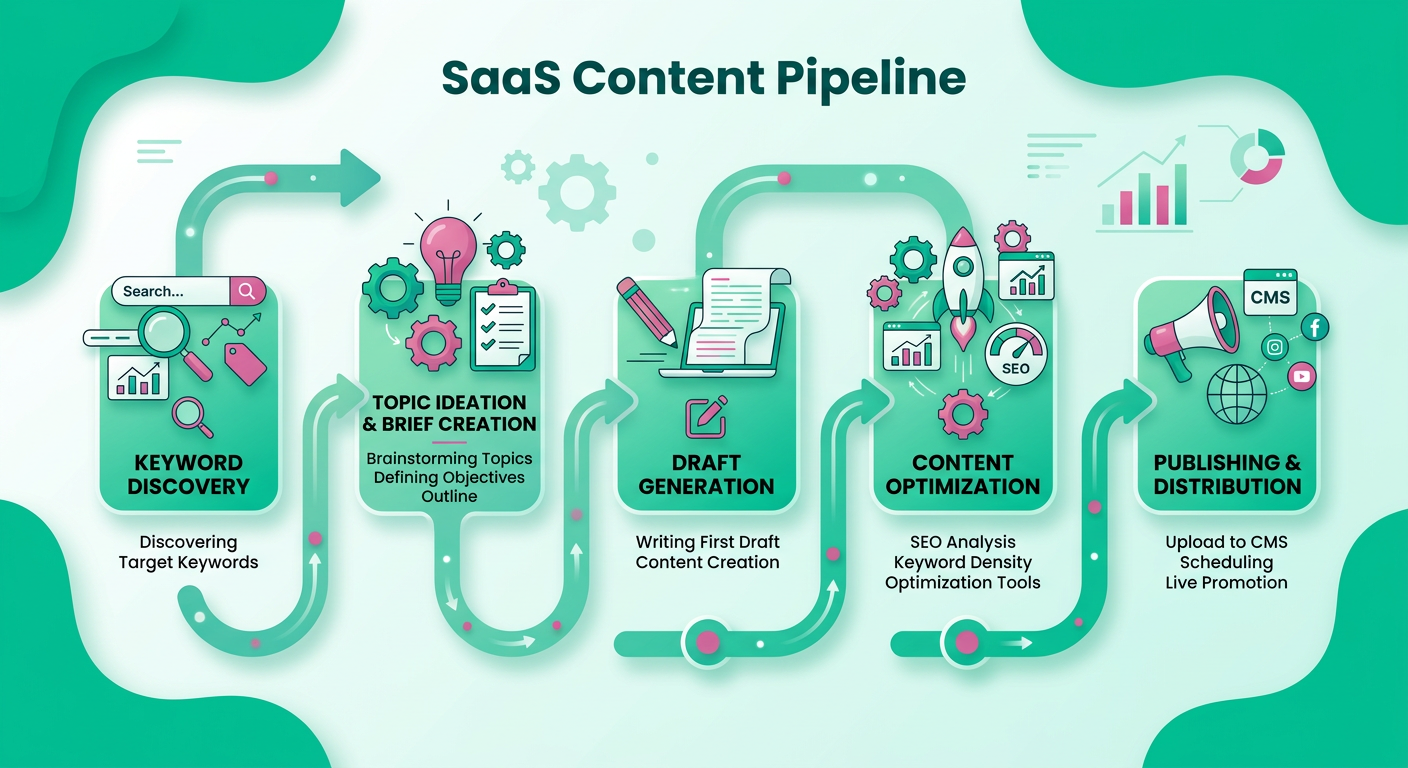
The Core Automated SEO Content Workflow for SaaS
Here is the simplest version of the workflow.
1. Find the right topics
Start with topics tied to product pain points, use cases, comparisons, and educational queries. For SaaS, these often include:
- “what is” questions
- “how to” questions
- “best tools for” searches
- comparison posts
- use case content
- problem-solving keywords
Automation can help pull keyword ideas from your CRM notes, sales calls, customer support tickets, and competitor pages.
2. Group keywords into clusters
Instead of writing one-off posts, group related keywords into topic clusters. This helps you build a stronger internal linking structure and creates more useful content for readers.
For example, a project management SaaS might build clusters around:
- team productivity
- task automation
- project planning
- remote work collaboration
3. Generate content briefs automatically
A strong brief makes writing faster and better. Your brief should include:
- target keyword
- search intent
- audience pain point
- headings
- internal links to include
- CTA placement
- product mention guidance
This is one of the best places to automate because it removes the repetitive planning work.
4. Draft with a structured content system
At this stage, you can use automation to help create a first draft based on your brief and brand rules. The important part is not raw speed, it is structure.
A good SaaS article should clearly explain the problem, show the solution, and move the reader toward action.
5. Optimize before publishing
Your workflow should check for:
- title quality
- keyword placement
- internal links
- meta description
- readability
- FAQ coverage
- CTA clarity
This makes the content more likely to rank and easier to repurpose later.
6. Refresh and republish old content
A lot of SaaS content loses value simply because it never gets updated. Automated review reminders can help you identify posts that need fresh examples, stronger links, or improved targeting.
The Best Content Types for SaaS Automation
Not every content format works equally well with automation. Some are especially strong because they follow a predictable structure.
Educational posts
These are great for targeting early-stage search intent. They answer questions, explain concepts, and build trust.
Comparison pages
People searching for alternatives or comparisons often have strong buying intent. Automation helps you scale these pages without starting from scratch each time.
Use case articles
These connect your product to a specific job or problem. They are perfect for showing practical value.
FAQ and support-style content
These pages are easy to systematize and help you capture long-tail searches.
A Simple Workflow You Can Start This Week
You do not need a complicated setup to begin. Start with a clean process you can repeat every week.
Step 1: Build a keyword list
Choose 20 to 50 topics based on your product, customer questions, and competitor gaps.
Step 2: Create one brief template
Use the same structure for every article so your team or system can move quickly.
Step 3: Set your publish rules
Decide how often you want to publish, who approves drafts, and when content gets updated.
Step 4: Add internal link rules
Every post should support another related page and push authority through your site.
Step 5: Review performance monthly
Track traffic, rankings, conversions, and update opportunities.
How Automation Helps SaaS SEO Without Making Content Generic
The biggest fear with automation is bland content. That happens when teams automate everything and remove strategy, editing, and brand voice.
The better approach is to automate the repeatable parts and keep human input where it matters most.
That means:
- humans define positioning
- automation handles workflow
- editors refine quality
- SEO rules stay consistent
This balance helps you publish more while still sounding like your brand.
Common Mistakes to Avoid
Even a strong system can fail if you make these mistakes.
Publishing without strategy
If you automate random posts, you will get random results. Start with a topic map and a clear content goal.
Ignoring search intent
A post can be optimized and still miss the mark if it answers the wrong question.
Skipping updates
Old content can become outdated fast in SaaS. Set update cycles from the beginning.
Over-automating the brand voice
Readers can tell when content feels robotic. Keep a human review step.
FAQ
What is an automated SEO content workflow for SaaS?
It is a repeatable system that uses automation to speed up keyword research, briefing, drafting, optimization, publishing, and updating for SaaS blog content.
Can automation really help a SaaS blog rank?
Yes, if the workflow is built around strong topics, search intent, internal links, and consistent publishing. Automation supports the process, but strategy still drives results.
How much content can a small SaaS team publish?
That depends on resources, but automation can help small teams publish more often without hiring a large editorial team.
What content should SaaS companies automate first?
Start with keyword research, content briefs, internal linking suggestions, and performance review reminders. Those are high-value, low-friction tasks.
Will automated content hurt quality?
It can, if you remove human review. The best workflows use automation to speed up the process, not replace editorial judgment.
How does this help AI search visibility?
Consistent, well-structured content with clear answers, topical depth, and strong internal linking is easier for AI tools and search engines to understand and surface.
Build a Workflow That Works for You
The goal is not to write more for the sake of volume. The goal is to create a system that reliably brings in traffic, helps your audience, and supports growth without burning out your team.
If you want faster wins, start with one workflow, one content cluster, and one publishing rhythm you can actually sustain. That is how an automated SEO content workflow for SaaS becomes a real growth engine instead of just another task on your list.
Ready to Scale Your Content Faster?
If your team wants more traffic, better consistency, and less manual work, now is the time to simplify your process. ContentBeast helps you turn blogging, SEO, and automation into a scalable system that keeps working even when your team is busy.
Visit https://contentbeast.com to build a smarter content engine and start growing with less effort.